Skip to main content
Videos, ideas and how-tosSee it done, then make it
One job per video, start to finish, in the real program, and short how-tos for what to make next. The newest videos show PrintMaster 2027; the older tutorials say which version they show.
Videos · Ideas and how-tos
PrintMaster 2027
New: PrintMaster 2027
Make a holiday card in a minute
22 seconds
The 2026-27 holiday collection
31 seconds
Bring your PrintMaster 8 projects across
29 seconds
PrintMaster 2022
The current Windows interface
PrintMaster v9
The Windows-and-Mac line, the version before PrintMaster 10
Create from scratch
PrintMaster v9 · the Windows-and-Mac line before 10
Browse ready-made projects
PrintMaster v9 · the Windows-and-Mac line before 10
Working with headlines
PrintMaster v9 · the Windows-and-Mac line before 10
Using mail merge
PrintMaster v9 · the Windows-and-Mac line before 10
Working with business cards
PrintMaster v9 · the Windows-and-Mac line before 10
The classic line
PrintMaster Platinum v8
PrintMaster Platinum v8
Classic line · overview
Create from scratch using PrintMaster 8
Classic line · tutorial
Project · every edition
A birthday card and matching envelope in ten minutes
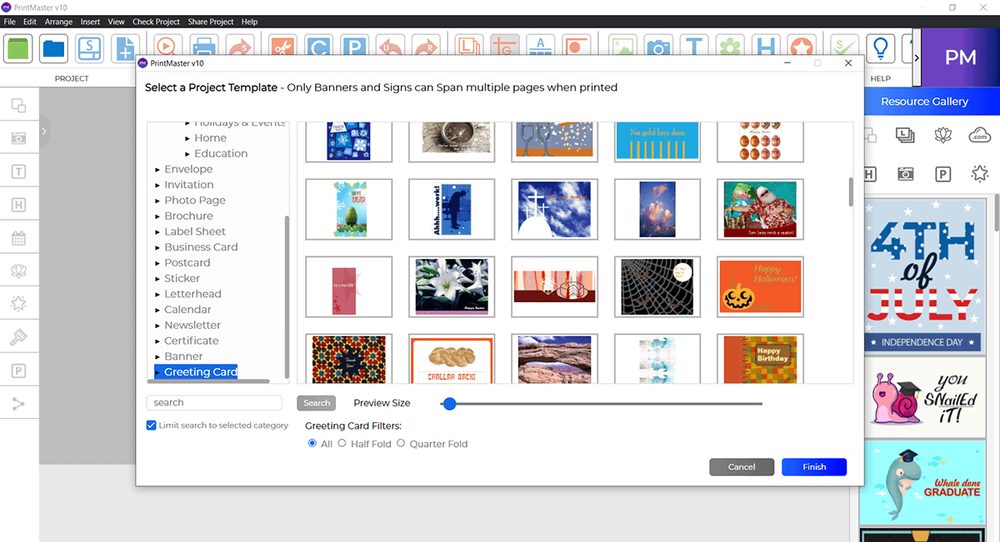
- Open the greeting-card projects and pick a design. Every edition sorts them by occasion, so start from Birthday.
- Click the photo placeholder and replace it with your own picture; drag the corners to fit it.
- Click the headline and the inside verse and type over them. Gold v19 also offers ready-written sentiments.
- Print. The print dialog folds the card for you: quarter-fold on one sheet, or half-fold two-sided if your printer supports it.
- Open the matching envelope from the same design set, add the address, and print it on an envelope.
How-to · PrintMaster 10, 2022 and v8 Platinum
Mail merge your holiday envelopes from the address book
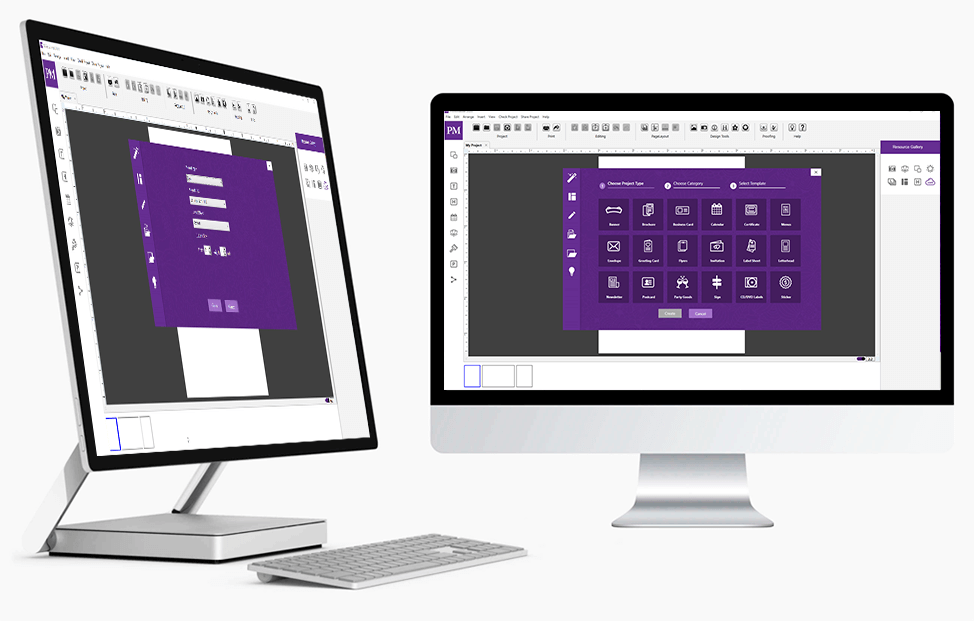
- Open the address book and import your contacts once, from a spreadsheet saved as CSV.
- Open an envelope or label project and insert the merge fields (name, address lines, town, ZIP) where the address goes.
- Preview a few records to check that long names and second address lines still fit.
- Print the run. Labels print to the sheet position you choose, so a part-used sheet is not wasted.
Gold v19's product page does not list an address book; use PrintMaster 10 or 2022 for mail merge.
Classic · older files
Opening the PrintMaster projects you made years ago
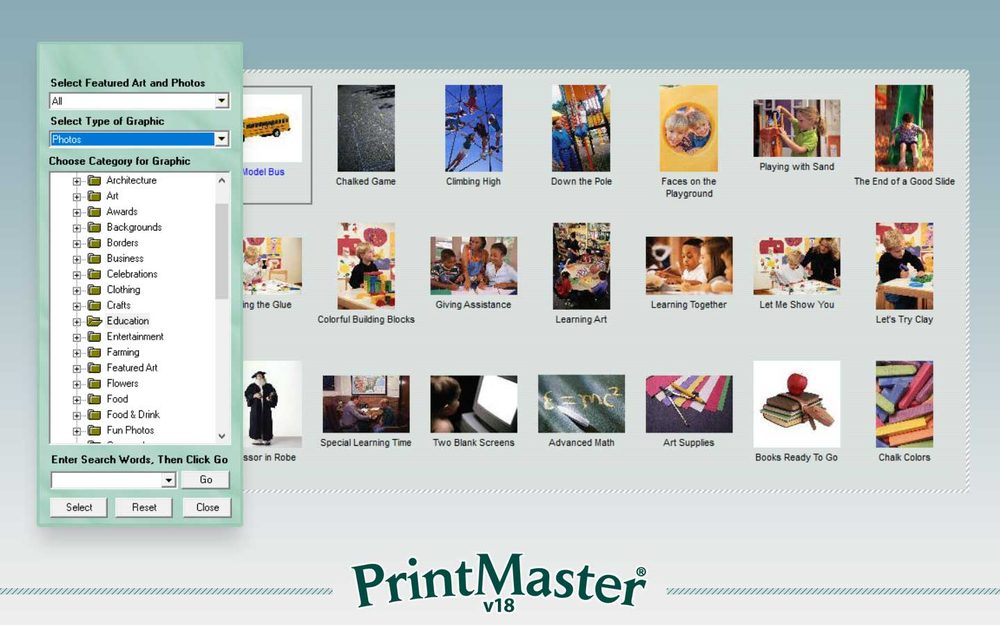
- PrintMaster 2022 does not open projects from PrintMaster 18.1 or earlier.
- PrintMaster v8 Platinum imports projects from PrintMaster 2011, 2012, 5.0, 6.0 and 7.0 only. Other versions do not load.
- Classic PrintMaster projects (versions 8 through 18.1) open in The Print Shop 24, which also opens The Print Shop 10 through 24 and American Greetings CreataCard 5 and later.
- PrintMaster 10 and Gold v19 publish no statement about older files. If you have projects to keep, ask us before you buy: [email protected].
We use cookies to keep your cart, remember your preferences and understand how the store is used. You can decline the ones the store does not need. Privacy policy
Back to top